Monday, October 17, 2011

Portraits

Group posed
Before

After

Individual side
Before

After

individual head and shoulders
Before

 After

Individual standing
Before

After

Group activity
Before

After

Work
Before

After

1. Dad and Elizabeth: October 1, 2011, 11:30am; Salt Lake city UT; f/8; 1/200; Panasonic DMC-LZ8
2. Hannah roommate: October 14, 2011, 6:29pm; Rexburg ID; f/3.3; 1/200; Panasonic DMC-LZ8
3. Joseph: October 1, 2011, 12:03; Salt Lake City UT; f/3.3; 1/1000; Panasonic DMC-LZ8
4. Hannah standing: October 14, 2011, 6:32pm; Rexburg ID; f/3.3; 1/160; Panasonic DMC-LZ8
5. Pumpkin carving: October 10, 2011, 8:17pm; American Manor, Rexburg ID; f/5.6; 1/8; Panasonic DMC-LZ8
6. Justin Pugmir: October 14, 2011, 9:30pm; Sammy's, Rexburg ID; f/2.8; 1/45; Samsung Techwin KENOX S860

The first shot I started by using an adjustment brush in camera raw and lightened up around the people. Then I took it into photo shop and did some air brushing. I started with the skin, then went on to sharpen their eyes and teeth, I adjusted the girl's eye brows a little as well. I used the liquefy tool a tiny bit to widen their eyes a little and to make the girl's hair look a little fluffier.
The second shot I adjusted the lighting a little, mostly in the sky to make it darker. I did some basic air brushing on her skin and sharpened her eyes. I also cropped the picture a little and added a bit of a blur in the background.
The rest of the pictures I did about the same kind of editing as the first two, except for the pumpkin carving one. This picture had really bad lighting so I tried a match color with a picture with better lighting. it turned out okay, but it looked a little unnatural so I desaturated it a little then added some of the color back in. I added all of the color back in on the pumpkin so it would be brighter. 

Monday, October 10, 2011

Week 4, Camera raw

before
After

 Before
 
 After

1. Clock: October 1, 2011, 11:17am; Salt Lake City UT; f/3.3; 1/1000; Panasonic DMC-LZ8
2. Blue sky: October 1, 2011, 11:29; Salt Lake City UT; f/8; 1/1000; Panasonic DMC-LZ8

On the first picture I opened it in Camera raw and adjusted the light, and coloring. I adjusted the coloring to make it look warmer, I also used an adjustment brush to darken the sky a little. For the second picture I thought the sky was dark enough that I could lighten it, so I lightened the hole picture, and used an adjustment brush to lighten the trees even more. I adjusted the blue's so that they'd be lighter, and make the sky look really bright. I sharpened both of the pictures a little as well.

Friday, October 7, 2011

Week 4 Panoramic


1. Outside my window: October 7, 2011, 10:45am; Rexburg Idaho; f/4.0; 1/160; Panasonic DMC-LZ8
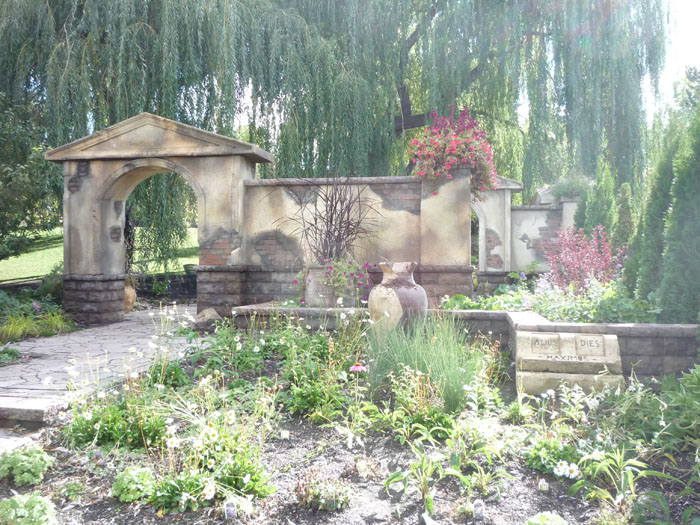
2. Garden: October 8, 2011, 2:59pm; BYU-I gardens; f/4.0; 1/250; Panasonic DMC-LZ8

The first picture I wanted to try and do a blend with four, it actually worked out pretty well, Photoshop was able to blend the picture together nicely. When I did the content aware fill I had to be careful to select small sections, but as long as I did that it worked out great. I did some small adjustments with the levels, and I sharpened the picture a little. The second picture was a lot harder, I didn't do as good a job at taking the picture, so there was a big curve when I blended them together. I did some content aware fill, but eventually I had to crop the picture down a little. I did some basic editing on this picture too. 


Monday, October 3, 2011

Week 3 Flora and Fauna


1. daisy: 9-28-2011, 11:13am; Benson Building BYU-I; f/3.3; 1/1000; Panasonic DMC-LZ8
2. Rose: 9-20-2011, 7:24pm; Clark building BYU-I; f/3.3; 1/13; Panasonic DMC-LZ8
3. Snapdragon: 9-20-2011, 7:26pm; Clark building BYU-I; f/5.4; 1/50; Panasonic DMC-LZ8
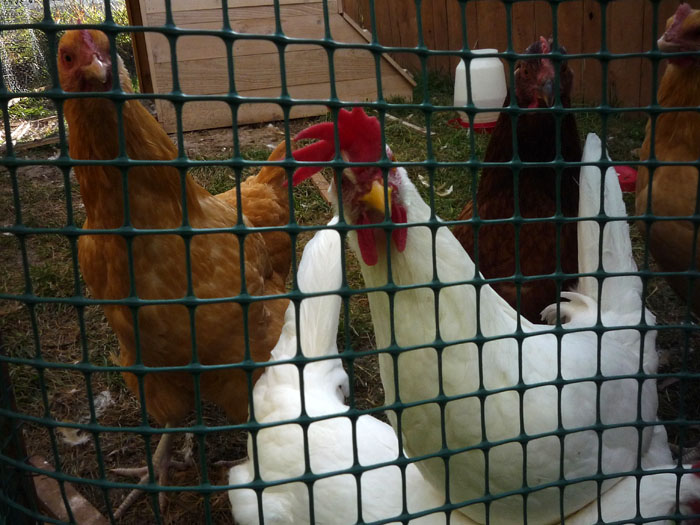
3. Chickens: 10-2-2011, 9:56am; North Ogden UT; f/6.3; 1/250; Panasonic DMC-LZ8
4. Ed: 10-2-2011, 10:03am; North Ogden UT; f/6.3; 1/60; Panasonic DMC-LZ8
5. Kitten: 10-2-2011, 4:20pm; North Ogden UT; f/5.7; 1/160; Panasonic DMC-LZ8

For most of these pictures I didn't do much editing, I mostly just changed the levels (using non-destructive editing) and sharpened the pictures. On picture number three I did add a different filter, it was the sprayed strokes filter, I added that filter to make the whole picture look softer, I made the opacity low so it wouldn't look unnatural. Also on the first picture I made it black and white, and then added color back in.

Friday, September 30, 2011

Week 3 Flexible Edits


1. Yellow flower: 9-20-2011, 7:28pm; Outside Clark building Rexburg ID, f 1/5.6; 1/20; Panasonic DMC-LZ8
2. Plants: 9-23-2011, 7:51am; outside Spori building in Rexburg ID, f 1/8; 1/30; Panasonic DMC-LZ8

For the first picture I started by copying the bottom layer, than I converted it so I could use a smart filter. On the first filter I used the smart sharpen one. I than added another filter, the Gaussian blur, and masked it out over the flower so the flower would look sharper than the rest of the picture. I than used an adjustment layer to change the hue and saturation, I only changed it a little, than masked the flower out so that it would be brighter than the rest of the picture. I also used an adjustment layer to change the levels in the picture. Than I saved it like that, then flattened it and saved again.

The second picture I made a copy of the background, than added an adjustment layer to change the levels, and another layer to change the coloring, I made the oppasity very low so the coloring wasn't changed to much. Than I masked out the red flowers so they would be brighter than the rest. Than I changed the copied layer (the one I got from copying the background) so I could use smart filters, I added a textured filter mainly because I thought it looked cool. I masked out the filter on the leaves in the front of the picture so they are more clear and look closer to the front than the rest of the plants in the picture.

Saturday, September 24, 2011

Week Two, Color Study


1. Road: 9-24-2011, 7:50am; Rexburg Idaho 2nd South; f/8; 1/60; Panasonic DMC-LZ8
2. Yellow Flower: 9-17-2011, 1:12pm; BYU-I garden; f/3.3; 1/160; Panasonic DMC-LZ8
3. Bike seat: 9-20-2011, 5:54pm; outside BYU-I library; f/3.3; 1/60; Panasonic DMC-LZ8
4. Binder: 9-20-2011, 9:14pm; American Manor; f/4.0; 1/8; Panasonic DMC-LZ8

I choose the color yellow because it catches my eye more than almost any other color (although my favorite color is blue) and I think it is always a happy color, other colors you can make look sad, but yellow that's pretty much impossible.
I didn't do much editing on any of these pictures, I just adjusted the curves to make the lighting better. The first picture I took from a low angel in the middle of the road, it was early in the morning so I didn't get hit by any cars. The second picture I took from a garden, I wanted to have the flower in focus and the leaves out of focus, so I used a very low aperture. With the picture of the bike I just wanted to get an interesting angel, the whole bike was yellow. The last picture I chose was my binder, I liked it because it didn't have much yellow on it, but that is still what your eyes go to first.

Week two; Blends and Type


1. Brick Wall: 9-21-2011, 6:26pm; Rexburg Idaho; f/4.0; 1/500; Panasonic DMC-LZ8
2. Light post: 9-20-2011, 7:32pm; Rexburg Idaho; f/5.7; 1/80; Panasonic DMC-LZ8
3. Blend of Light post and Brick Wall
4. Grow: 9-24-2011, 7:53am; Rexburg Idaho; f/8; 1/30; Panasonic DMC-LZ8
5. Grow, with type

For the light post blend I started with the picture of the light posts, I copied the picture and adjusted the levels so the sky would be darker with more detail. I then used a mask and black paint to uncover the trees so they would be lighter and have more color. To blend the brick wall onto it I just made sure that picture was the same size as the light post one, then copied it over. I then adjusted the opacity till it looked good. Then using another mask I uncovered the front lamp post to make it look like it was in front of the wall.
For the tree picture with type I started with the tree picture and adjusted the levels so it was a little lighter.  Than I added type that was a similar color to the berries in the tree. I copied the type, changed the size, made it italic and a lighter color. I used a mask and black paint to erase the type where the tree is. Then I added the title.